A guided walk through the command layer.
Six chapters — from the first connected source to the forecast on your desk. Every screen below is a live Genesis view, sanitized.
What you'll see, in order.
Each chapter maps to a real workflow a growth or analytics team runs every day. Jump to whichever matters — or read straight through like a demo.
One overview for the whole funnel.
Leads, engagement, attributed revenue, and sync health on one screen — updated continuously as signal comes in.
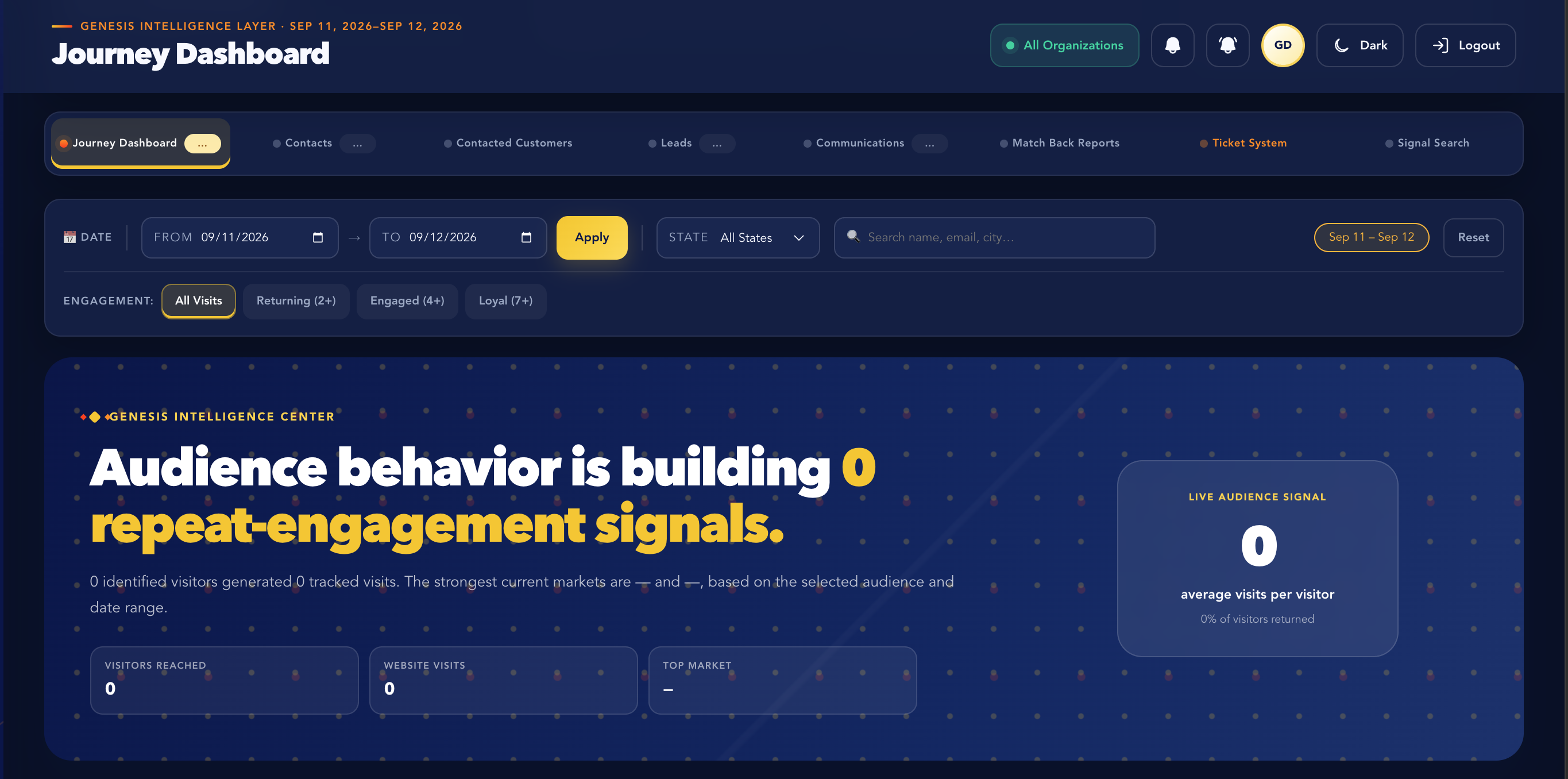
- Live counters for leads, engagement, and revenue
- Per-source sync health so you catch failures early
- Drill into any tile without leaving the view
- Saved layouts for different roles on the team
Insight that tells you what to do next.
Genesis reads every channel continuously and ranks the shifts worth acting on — with a confidence score attached to each one.
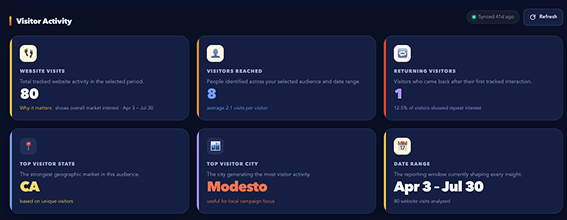
- Ranked recommendations, refreshed continuously
- Confidence scoring on every suggestion
- Plain-language explanation of the "why"
- One-click hand-off to the owning team
Every channel, one shared timeline.
Behavioral, campaign, and attribution data sit inside the same model — so a spike in one view lines up with the cause in another.
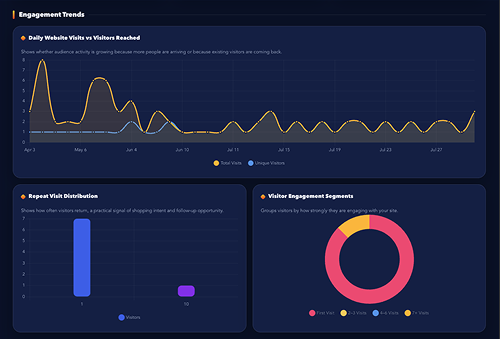
- Cross-channel trend comparison
- Custom date ranges and cohorts
- Saved views for recurring reports
- Exportable, presentation-ready charts
Watch a lead move, stage by stage.
Every lead has a visible path from first touch to close. See exactly where movement stalls and which source produces the best-fit leads.
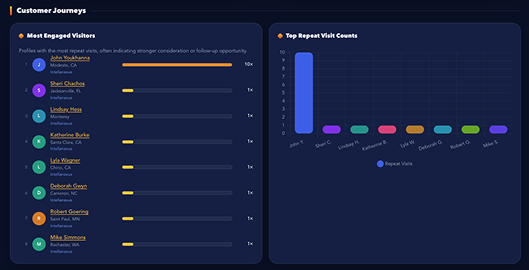
- Live stage-by-stage pipeline view
- Automatic stall and drop-off alerts
- Source-level lead quality scoring
- Owner and next-action visibility
Connected sources, always in sync.
Genesis reads and writes back to the CRM, ad platforms, and tools your team already runs — no silo someone has to remember to check.
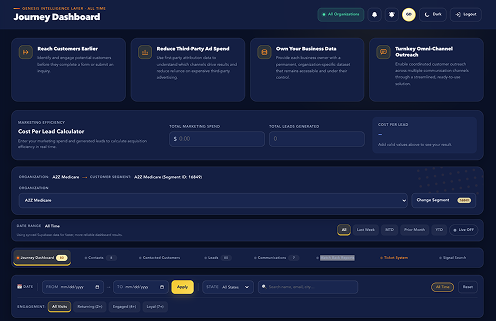
- Native two-way CRM sync
- Per-source health monitoring
- Field mapping without engineering time
- Alerts on sync failures before they compound
A forecast that updates itself.
Pipeline projections recalculate as new signal comes in, with a confidence range attached — so planning is based on where things are actually heading.
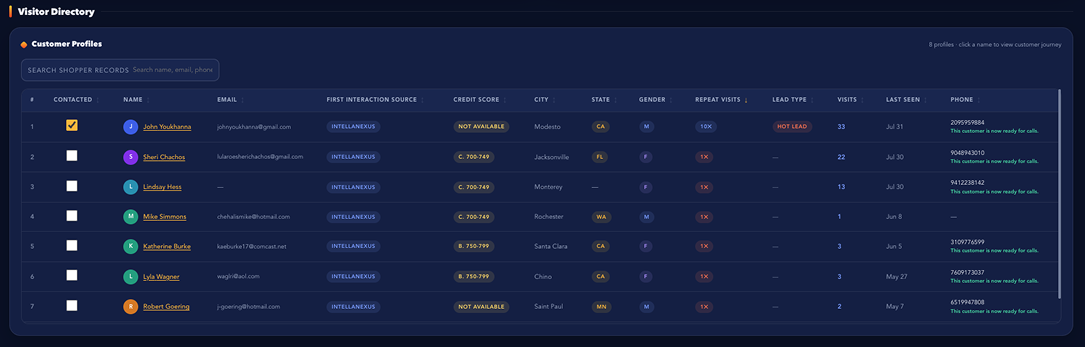
- Rolling revenue projection
- Confidence range, not a single guess
- Scenario comparison across channels
- Historical accuracy tracking
Want to see this running on your own data?
We'll walk through Genesis against a channel mix like yours — no slides, just the dashboard.